ArchState helps architects build a portfolio as a system, not just an online showcase. Manage your work as structured data and reuse it across your public portfolio, your own website, and other tools.
product
Membership
%
About
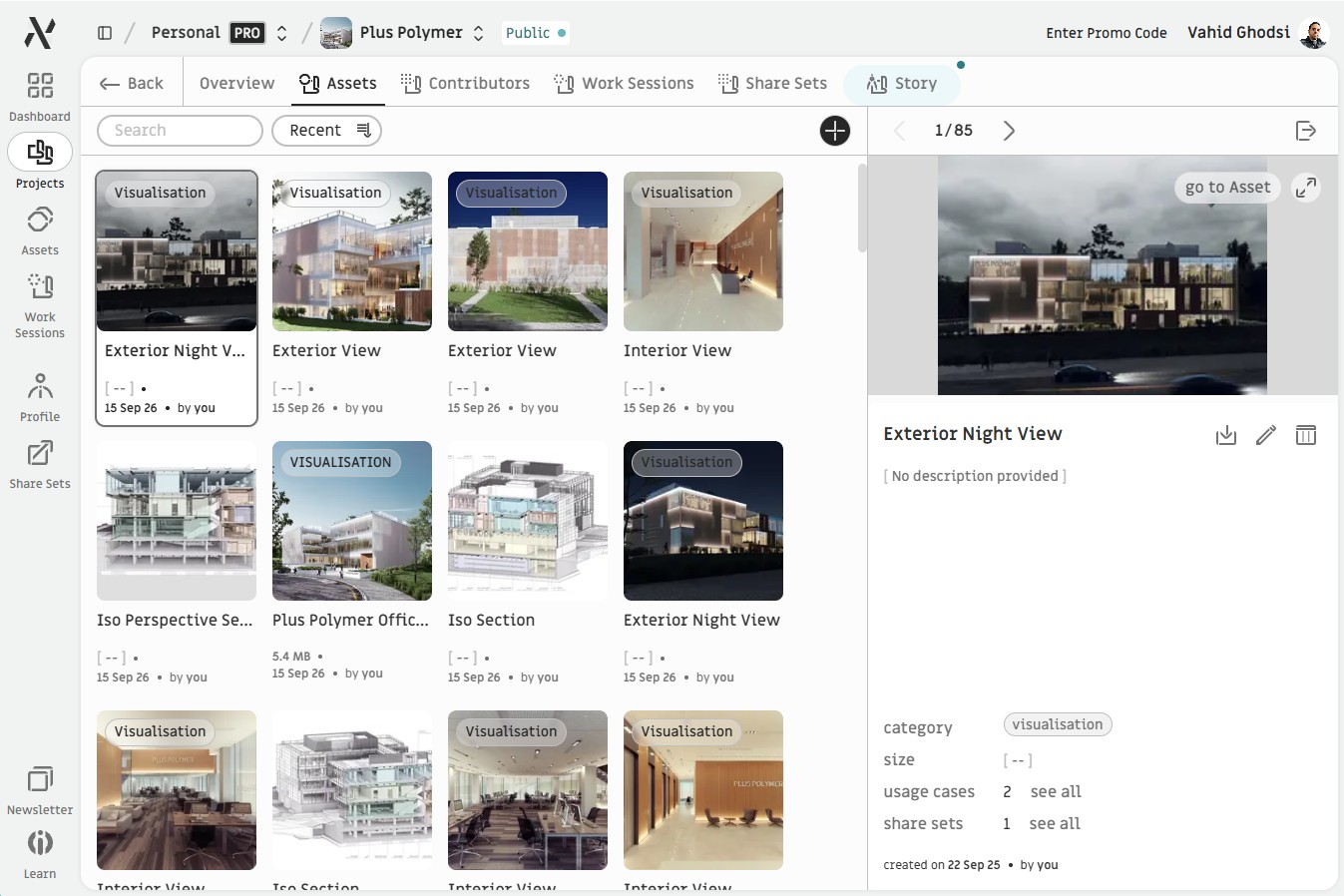
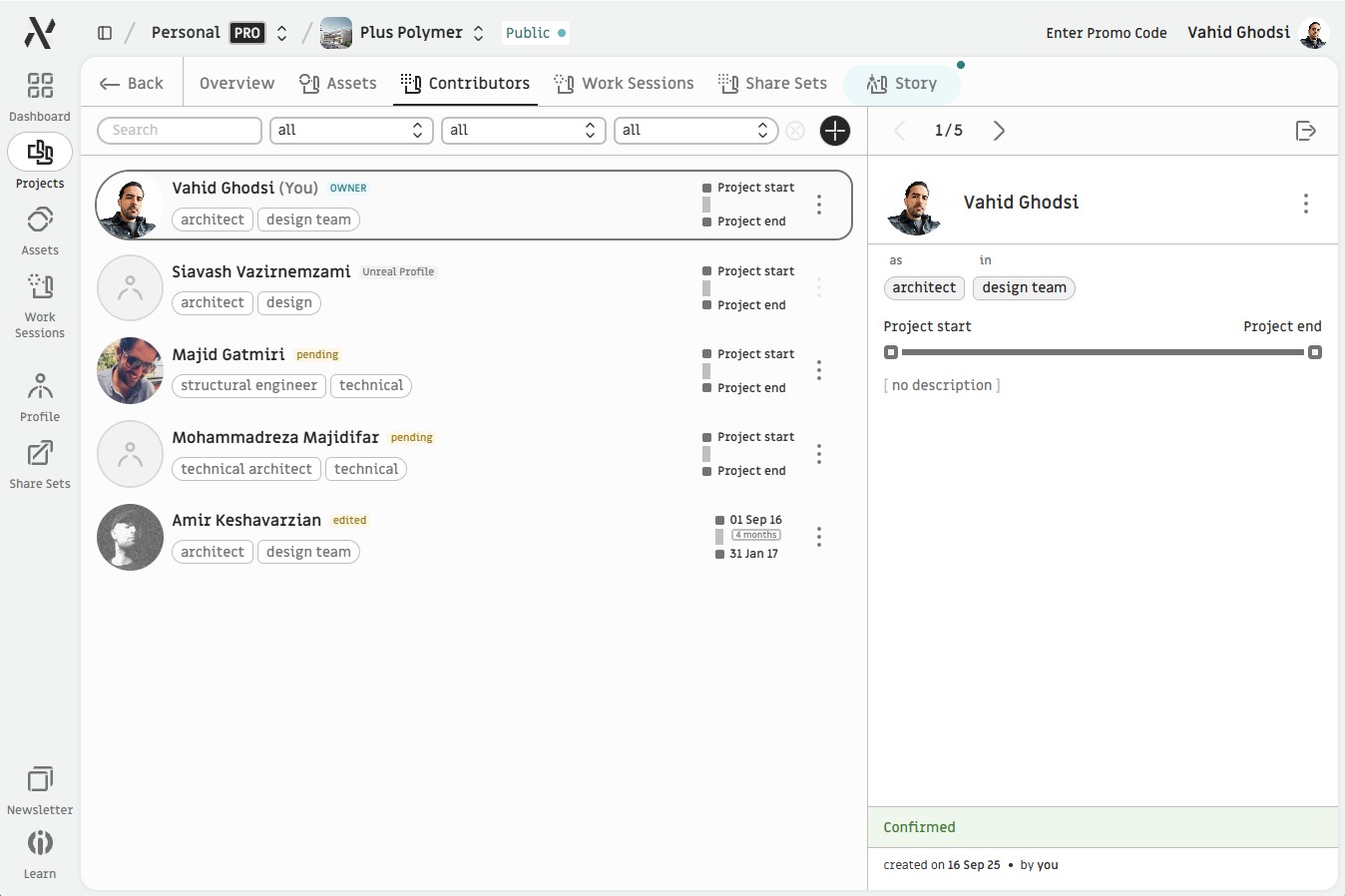
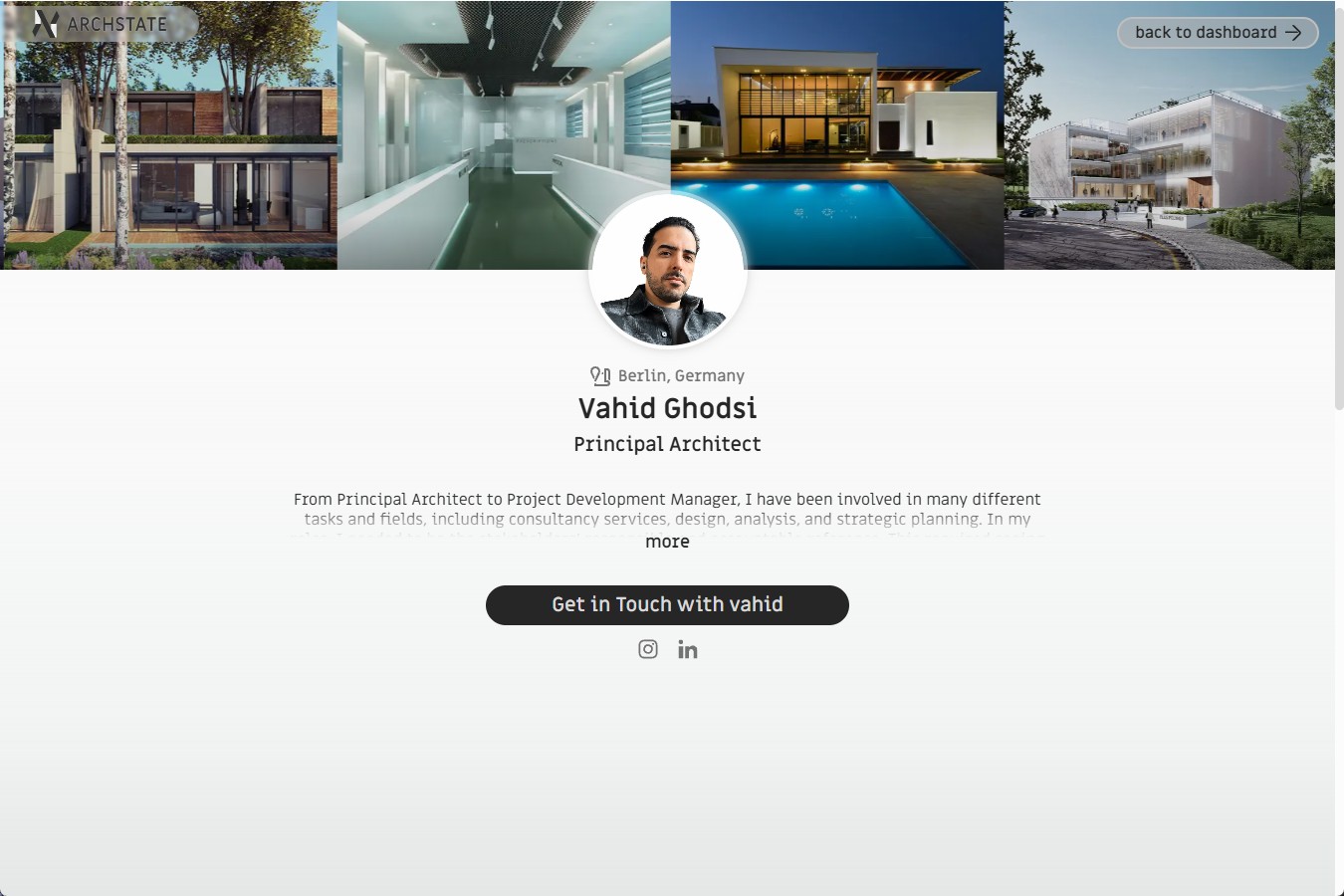


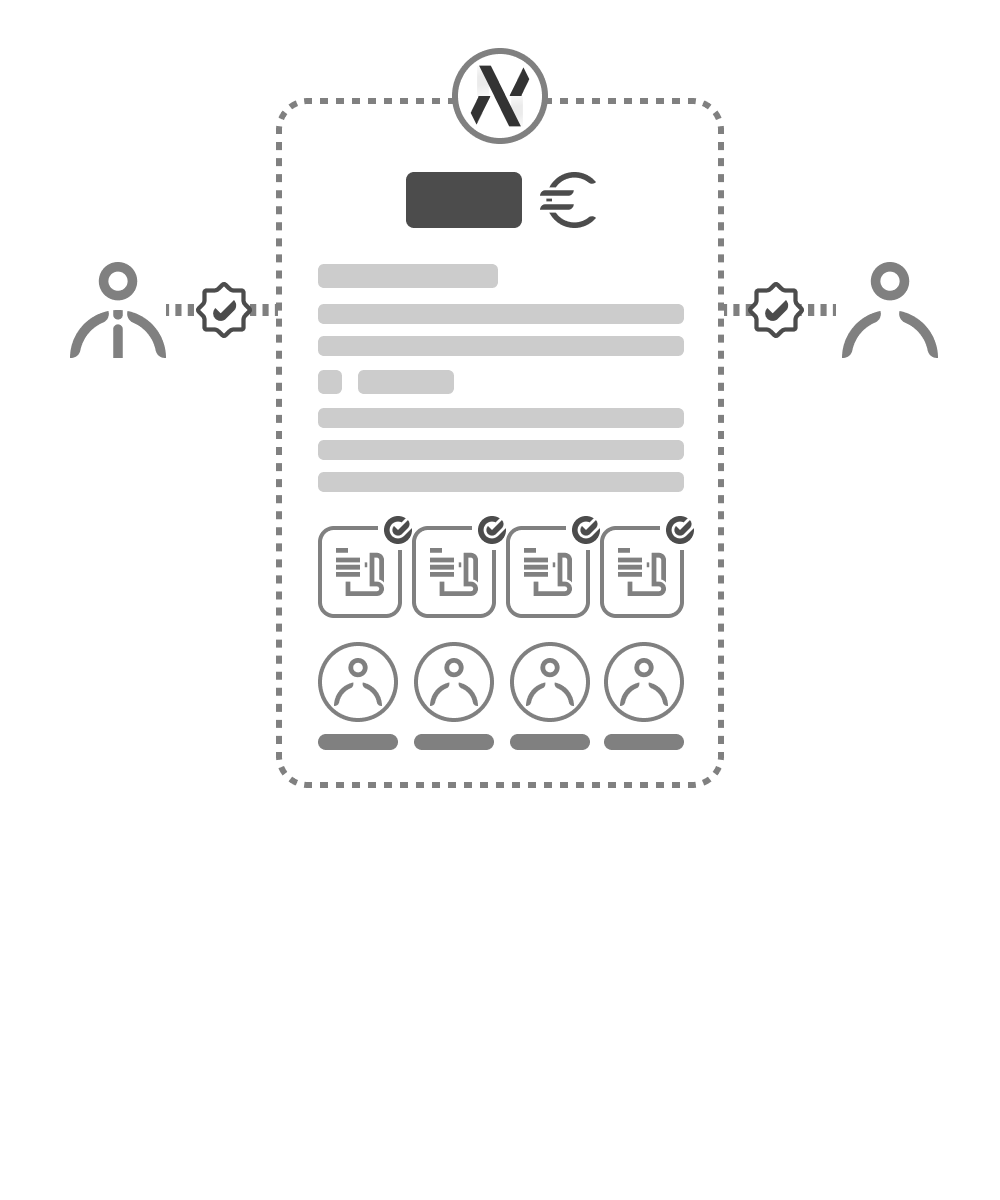
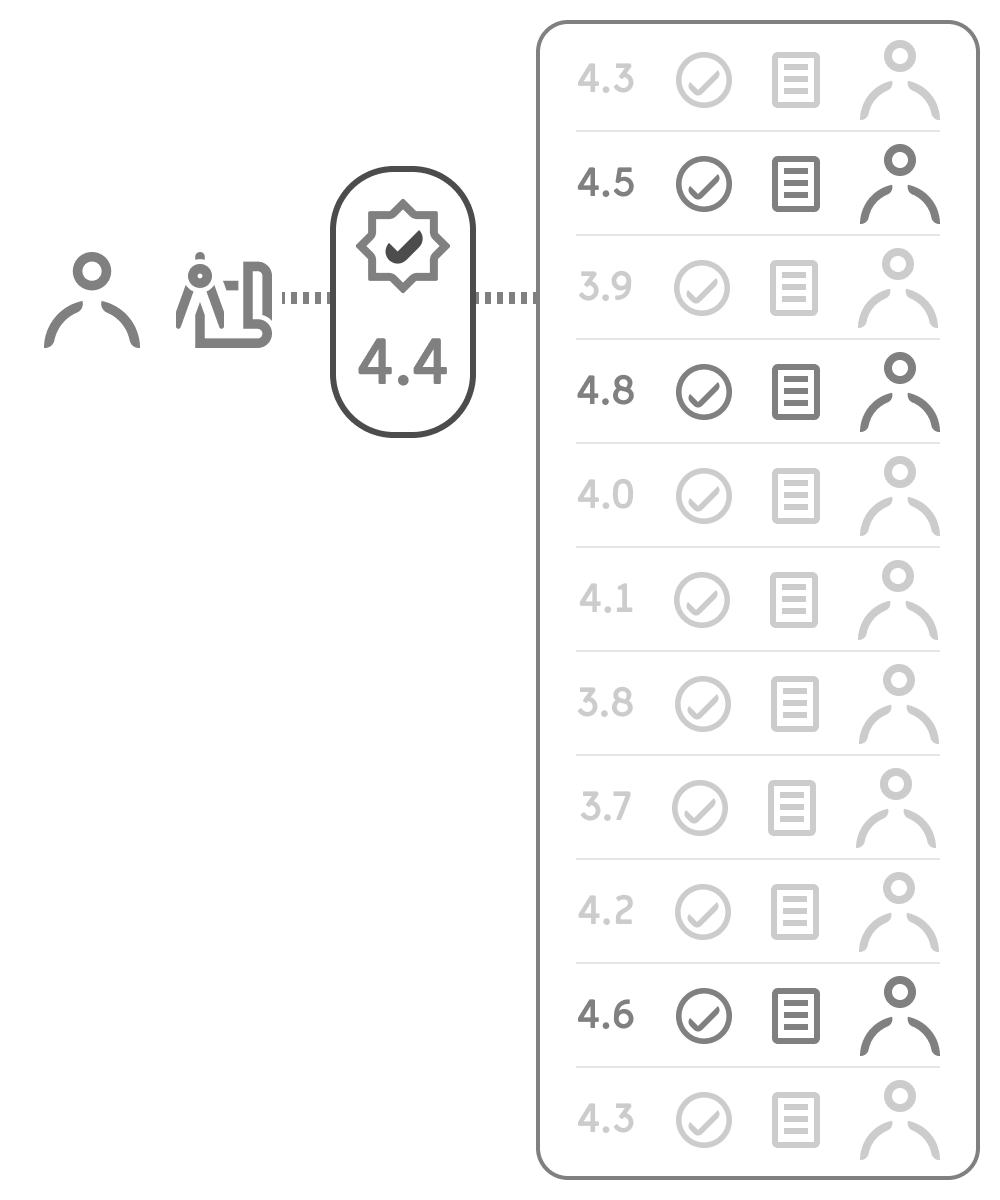
Architecture is the entry point to a $15 trillion construction industry, yet the profession has no purpose-built operating infrastructure. Firms lose hundreds of hours managing assets, representing them across channels, and tracking changes, with no clear record of contributions (what software engineers have had for years now).
What gets lost in the process is project knowledge, and that is something architecture practice can no longer afford. AI is making this urgent: business models, production workflows, and collaboration patterns are all shifting, and no platform is positioned to absorb that disruption.
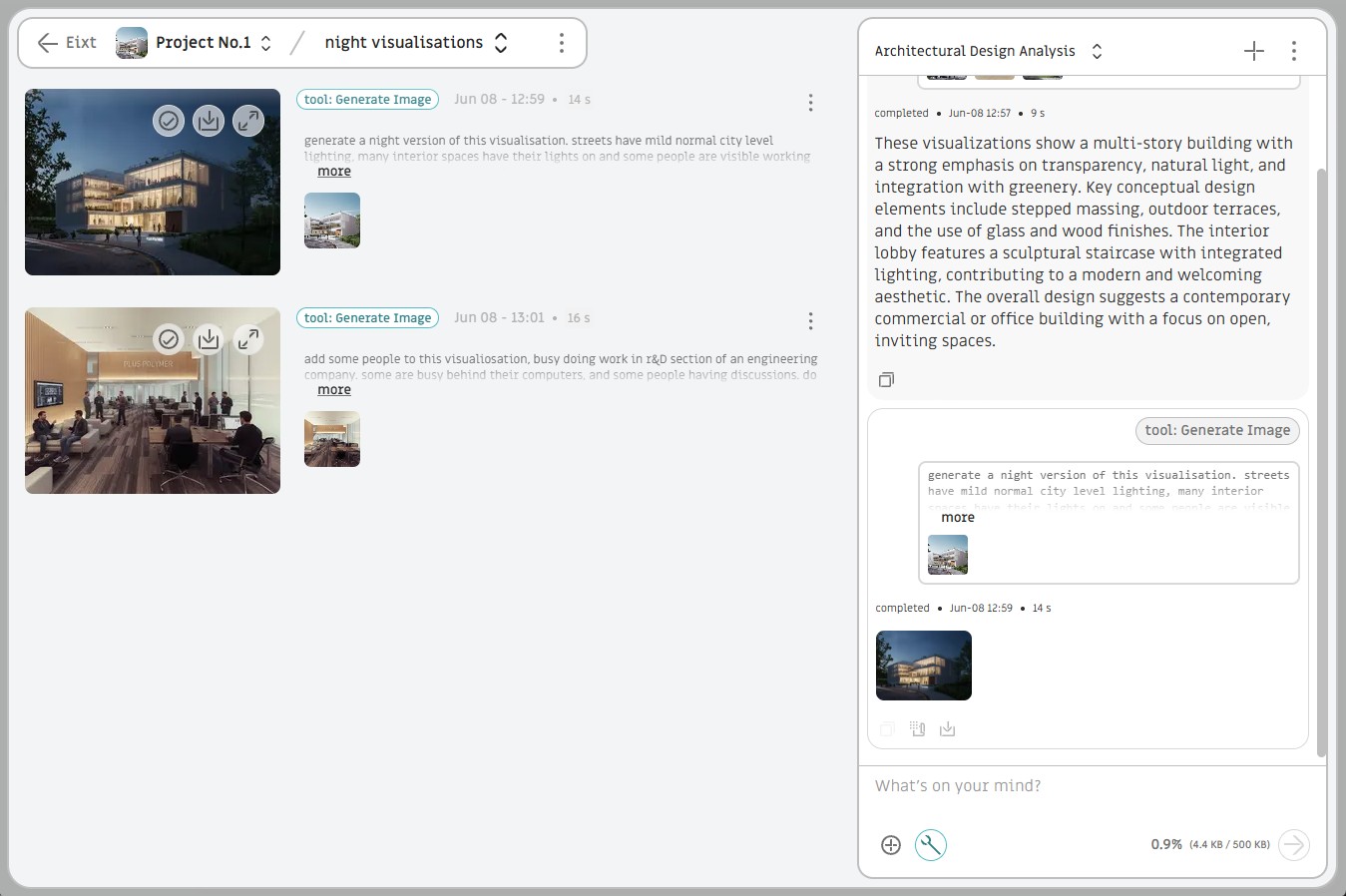
ArchState gives architects a single source of truth to manage, represent, and develop their body of work, built on top of a data structure wired across domains and integrations. At the core is an AI engine trained on each architect's own data. Architects own and license their personal models, called Extends, turning accumulated knowledge into an asset they can use to run their practice, represent it in different contexts, collaborate with other architects, and grow their brand.
ArchState helps architects build a portfolio as a system, not just an online showcase. Manage your work as structured data and reuse it across your public portfolio, your own website, and other tools.
Yes. ArchState gives you a public portfolio with your profile and projects.
No. ArchState manages your profile, project information, assets, contributors, and other portfolio data. You can give that data to an AI agent or use your preferred tools to create a website that fits you.
We believe this is the new workflow: AI agents can build websites quickly, while ArchState keeps the complex, connected portfolio data organized and reusable across many places.
Yes. Use the instructions in our documentation to help your agent connect to ArchState. You can also ask your agent about the available data and how to use it. Choose your own design tools and hosting.
AI can build the website, but it doesn't automatically organize your portfolio. ArchState keeps your projects, assets, and related information structured and reusable, so you don't have to rebuild or re-enter them for every new presentation.
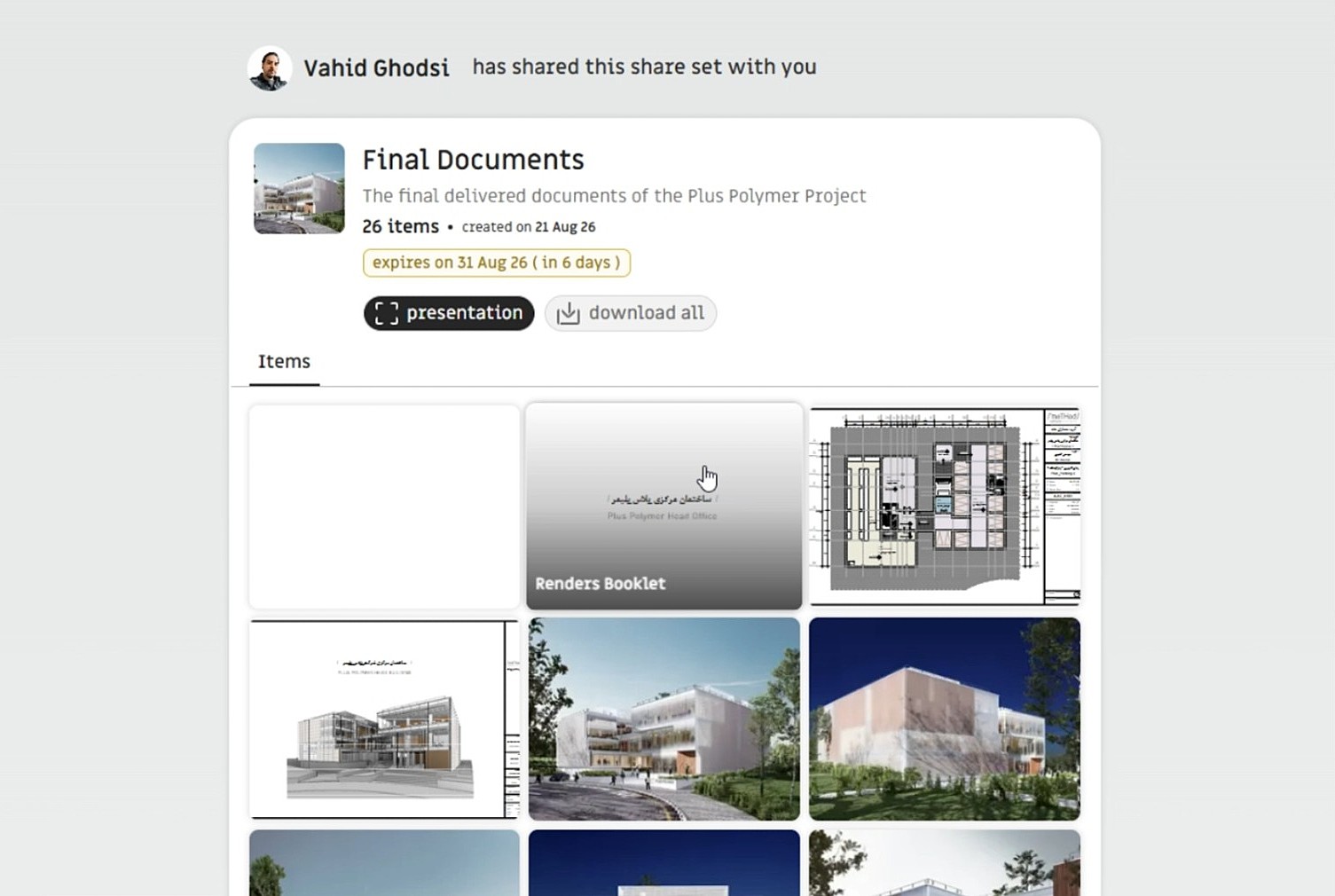
Yes. Share a single PDF or group files into a Share Set. If you have different portfolio versions, you can create a separate Share Set for each one. PDFs display directly on the page, so visitors can view them without downloading first.
Yes. You can connect team members to projects and show who contributed what. Roles help keep project information organized and shared appropriately.
Workspaces let you organize projects in different contexts—for example, your personal work and a studio's projects. They also make it easier to collaborate with different people on different projects, while managing access in each workspace.
Yes. Your personal and studio work can live in separate workspaces, with the right profiles and projects connected to each. You can use data from a personal workspace for your own website and data from a studio workspace for the studio website, giving each brand its own presentation while keeping the underlying work organized.